

Application Tips
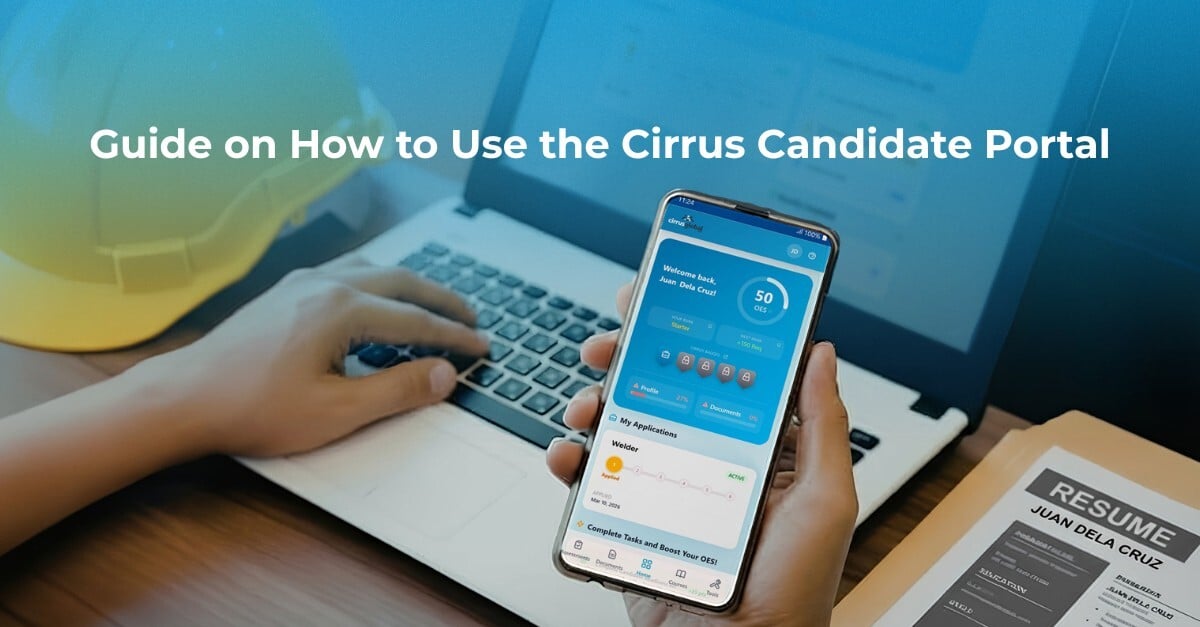

Now that you have an existing application with Cirrus Global, the next step is to ensure you stay organized and up to date throughout the process.
The Cirrus Candidate Portal helps you manage your application journey in one place. From checking your progress to completing important tasks and uploading documents, it is designed to help you move forward with more clarity and confidence.
In this guide, we will show you how to use the portal and make the most of its features.
-1.png?width=4535&height=1890&name=documents%20(1)-1.png) 1. Log in using your active email
1. Log in using your active emailTo access the Cirrus Candidate Portal, use the active email address you used in your Cirrus Global application.
Once you enter your email address, an OTP (One-Time Password) will be sent to that address for verification.
Make sure you have access to that email so you can receive the OTP and log in successfully.
When you log in, the dashboard gives you a quick overview of your progress. This helps you clearly see what you have already completed and what still needs your attention.
From here, you can better understand how far you are on your application journey.
The portal highlights recommended actions under the Next Best Tasks.
These tasks may include:
These tasks are important because they help strengthen your profile and improve your readiness as an applicant.
To check your application progress, go to the Applications section.
This allows you to:
The highlighted stage in your application indicates your status, making it easier to understand where you are in the process.
The Documents section helps you organize the files needed for your application.
Keeping your documents complete and up to date can help avoid delays and ensure your application progresses smoothly.
This is one of the most important parts of the portal, especially for applicants preparing for assessment and further processing.
The Candidate Portal also provides access to helpful courses that support your journey.
Based on the materials you shared, these may include:
To access these, click or tap Courses in the portal header.
These learning tools help applicants become more informed, better prepared, and more confident.
-2.png?width=4535&height=1890&name=documents%20(2)-2.png) Pataasin ang Iyong Overseas Employability Score (OES)
Pataasin ang Iyong Overseas Employability Score (OES)One key feature of the Cirrus Candidate Portal is the Overseas Employability Score (OES).
As you complete your profile, upload documents, finish courses, and accomplish important tasks, you can improve your score.
A higher score can reflect a stronger, better-prepared candidate profile. The portal also shows your rank and badges, which can motivate you to keep progressing and stay active in your application journey.
The Cirrus Candidate Portal makes the application process easier to understand and manage.
Instead of wondering what to do next, applicants can use the portal to track their progress and focus on the tasks that matter.
It supports a more organised application journey by giving you one place to:
If you already have an existing application with Cirrus Global, the Candidate Portal is there to help guide you every step of the way.
Access it here:
https://portal.cirrusrecruitment.com.ph/
Your application journey to Australia is now more organised, more convenient, and better guided with Cirrus Global.